
How Live Video Proctoring Works
Live Video Proctoring is an add-on ($5 per attempt) that uses AI to verify candidate identity and maintain assessment integrity. It captures snapshots at regular intervals, detects face anomalies in real time, and automatically ends assessments when violations exceed the configured limit.
Before you begin
- Candidates must use a Chromium-based browser — Google Chrome, Microsoft Edge, or Brave. Other browsers are not supported.
- Enable this add-on on your workspace before use. See How to Enable Live Video Proctoring.
How it works
- Snapshot capture — The system photographs the candidate at the start of the assessment and at regular intervals to confirm the same person remains in the frame.
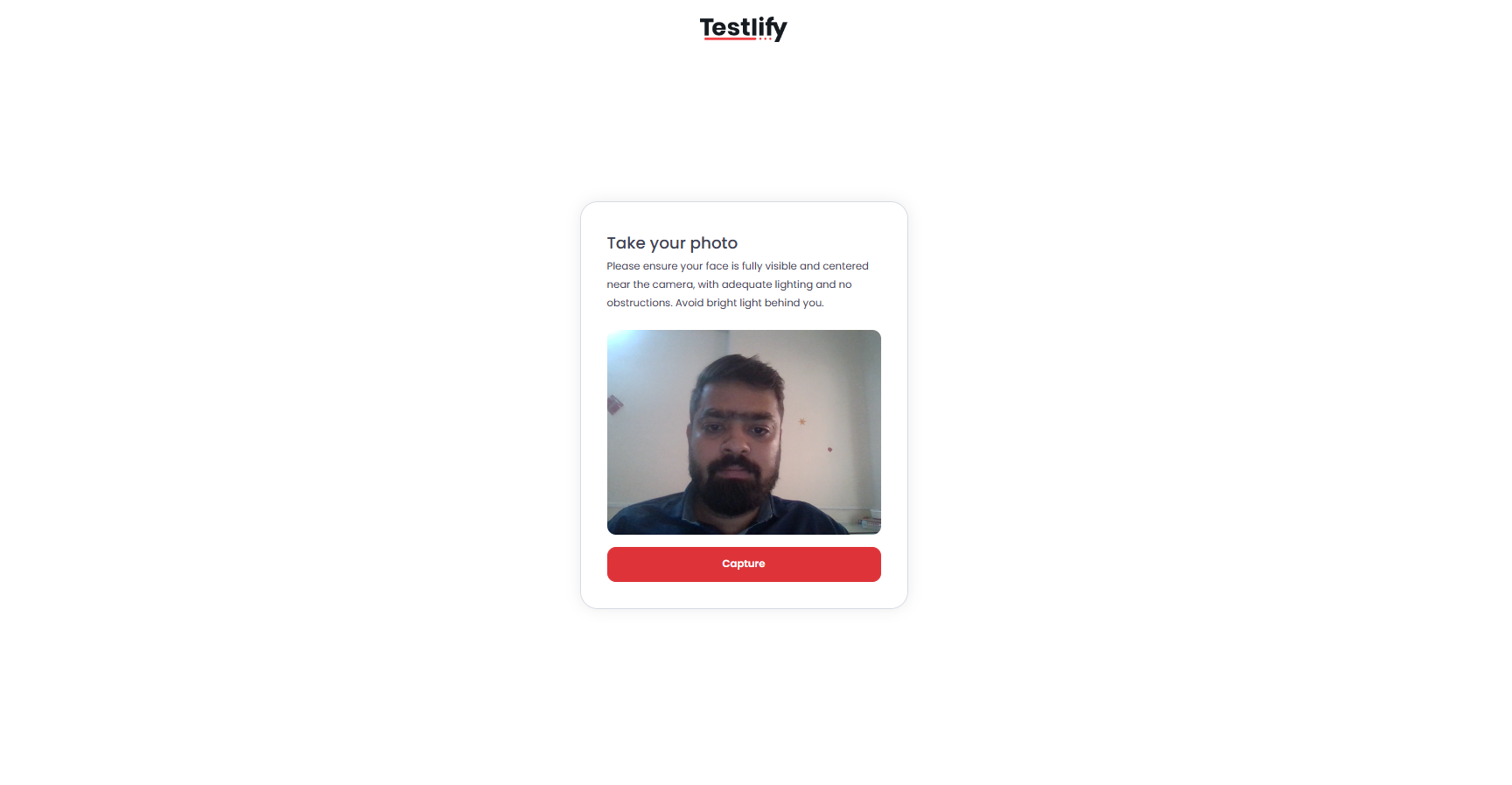
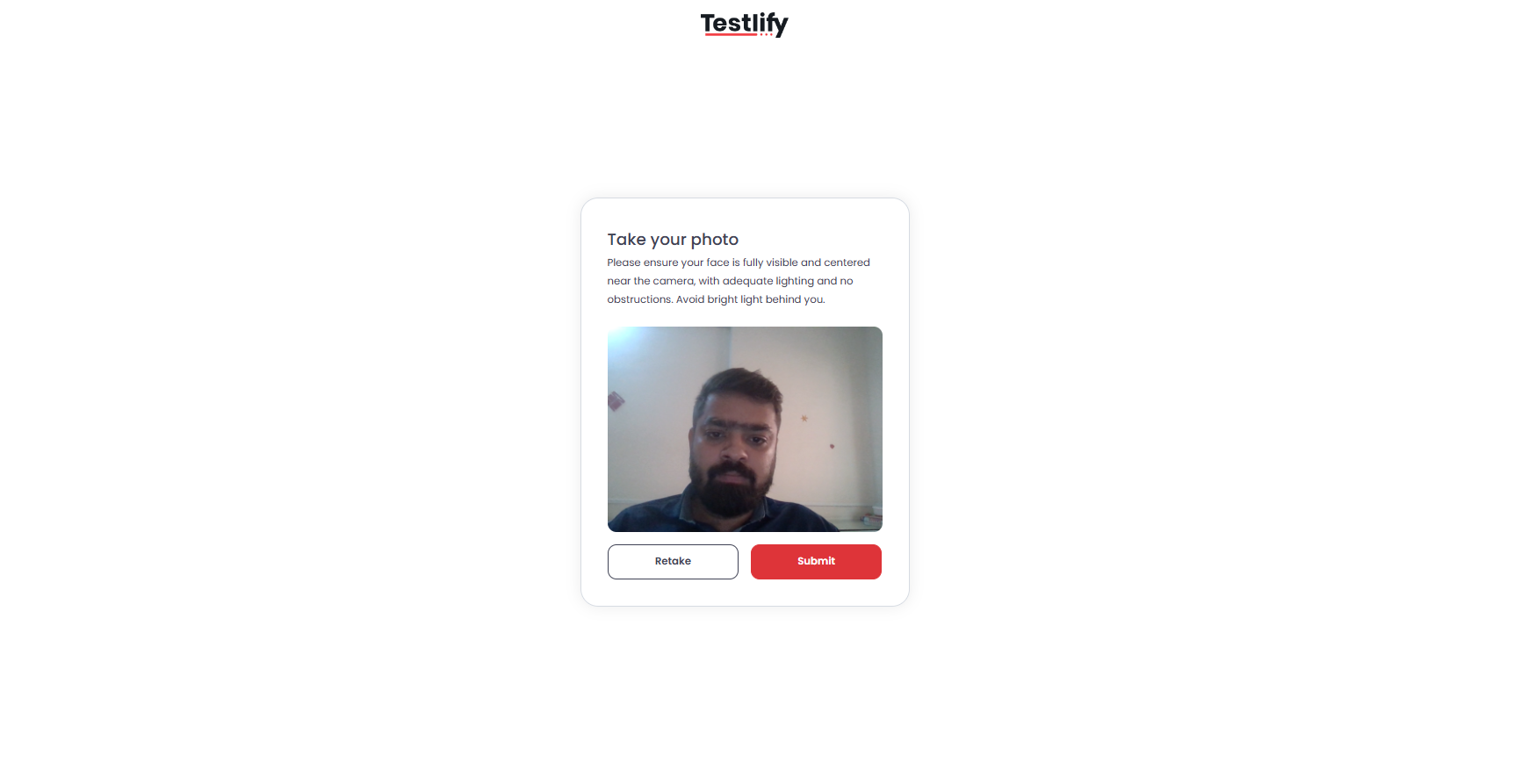
- Face detection — The system continuously monitors for the following anomalies and logs each one as a violation:
- No face detected — The candidate is not visible in the frame.
- Multiple faces detected — An unauthorized person is present.
- Different face detected — A possible impersonation attempt.
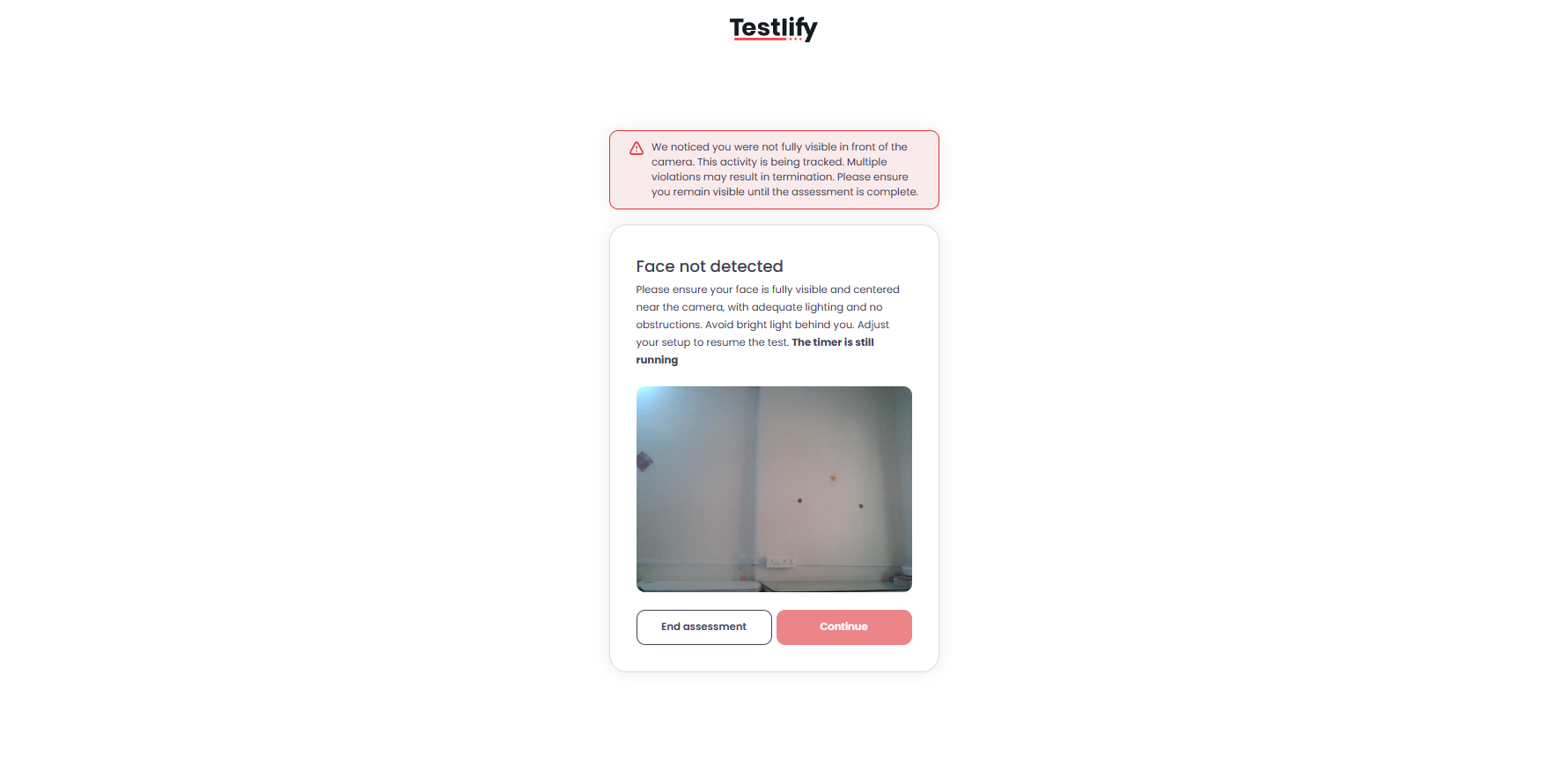
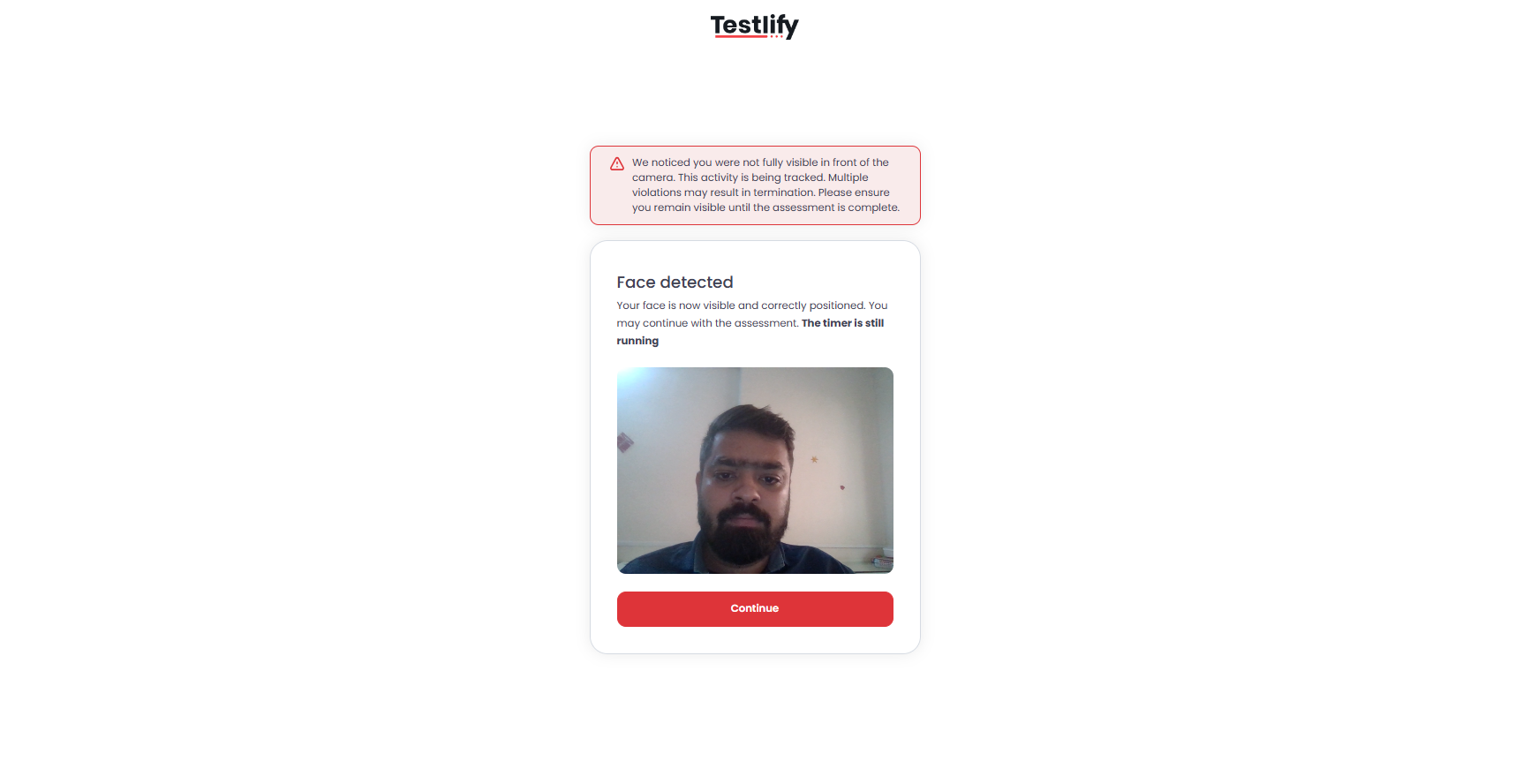
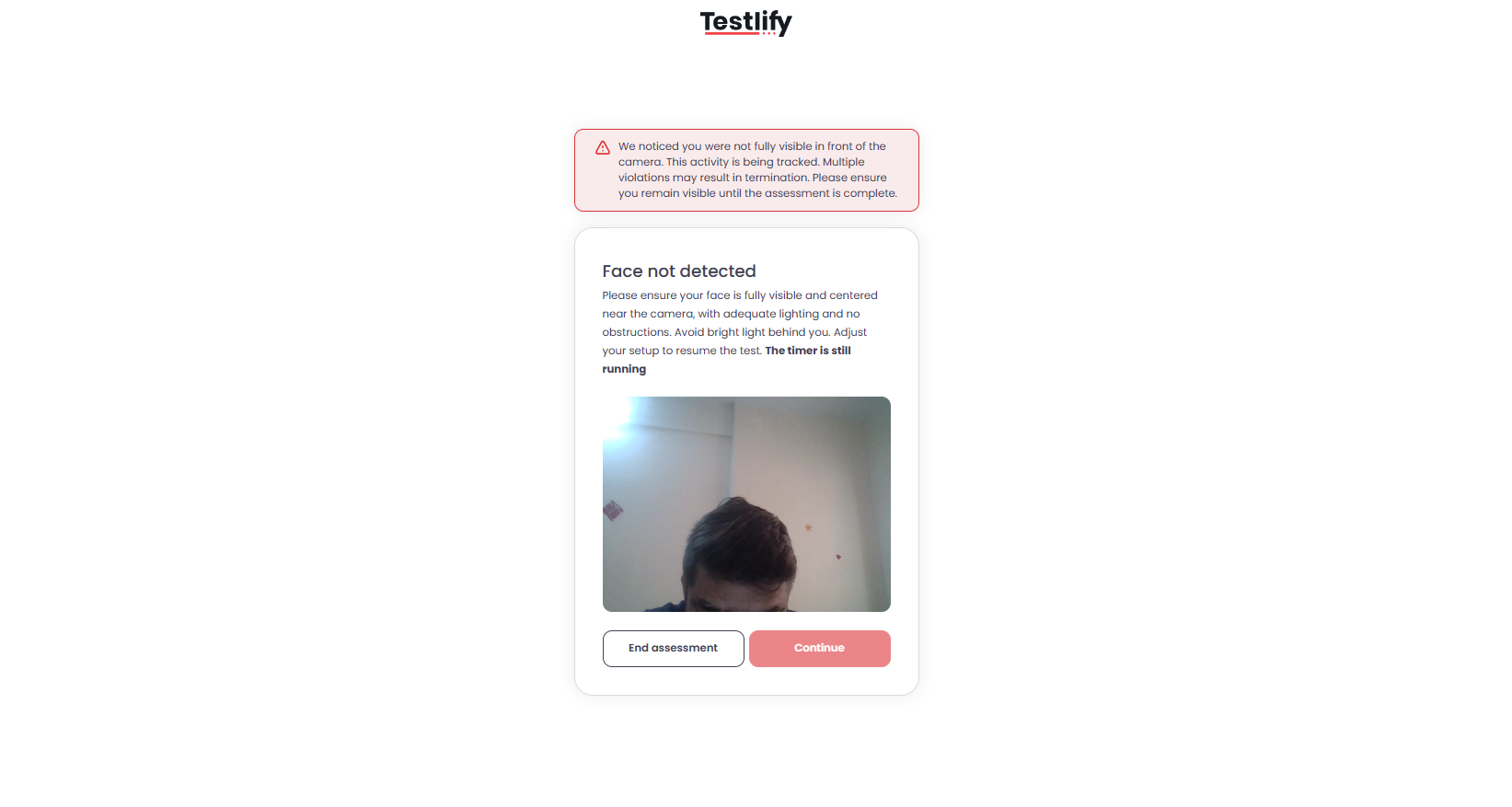
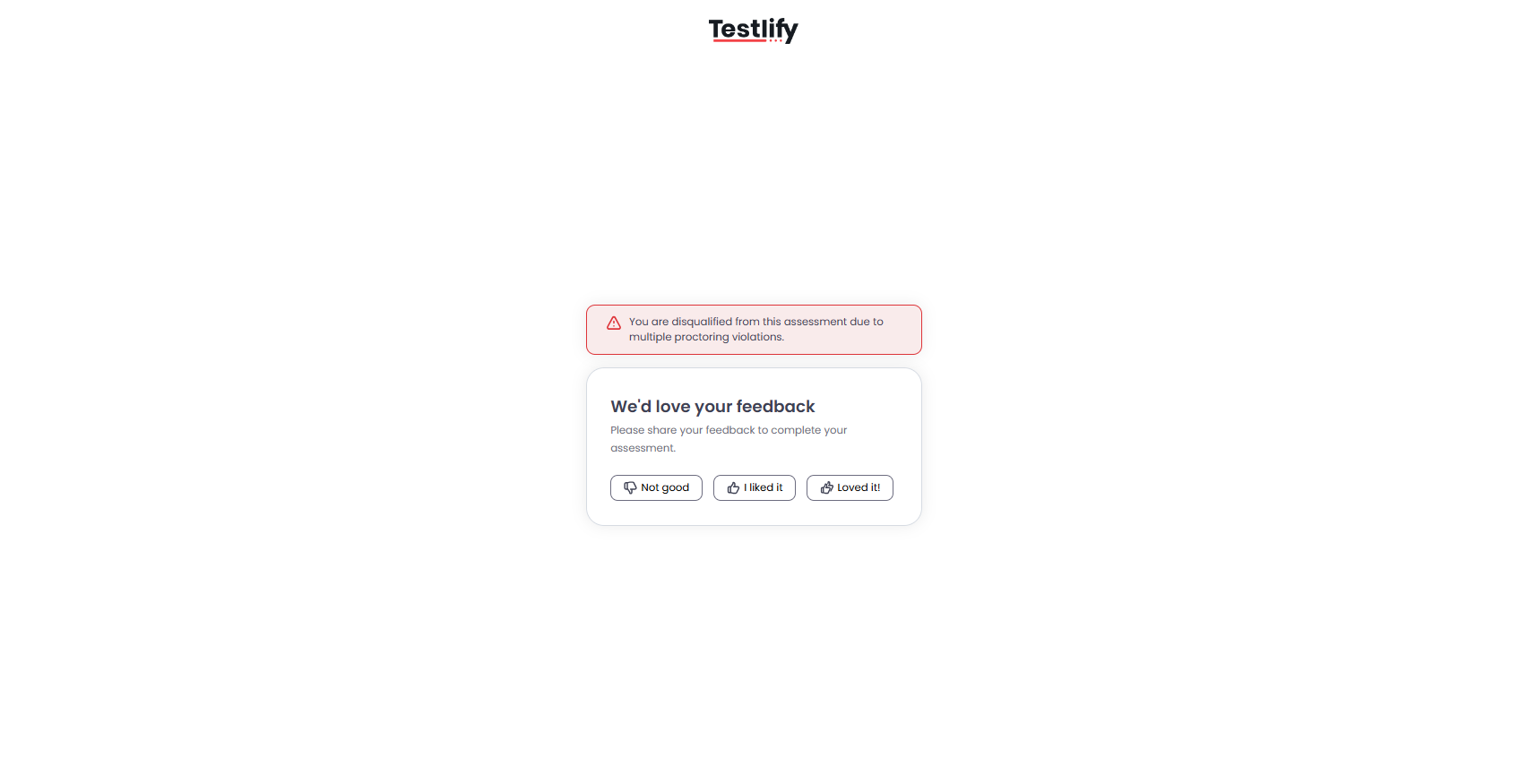
- Automatic termination — When the violation count reaches the limit you configured, the system automatically ends the assessment.
Review proctoring logs
Open the Candidate Result Page after an assessment to view all proctoring data. Logs include:
- Snapshots captured during the assessment
- Violation details (for example: no face detected, multiple faces detected)
- Time-stamped events for easy review

Tip: Cross-reference time-stamped violations with the candidate's score timeline to spot whether anomalies occurred during critical question sections.
Why use Live Video Proctoring?
- Prevent impersonation — Confirm the registered candidate is the one taking the test.
- Maintain fairness — Detect and flag unauthorized behaviors in real time.
- Enhance credibility — Produce an auditable record of a secure, authentic assessment.
Need help? Contact support.