
How to Award Full Credit for Any One Correct Answer in Multi-Select Questions
Learn how to configure multi-select questions in Testlify so candidates receive full credit by choosing at least one correct answer.
Description
By default, multi-select questions often require candidates to select all correct options to earn points. However, there are times when you want to create an "either/or" scenario—giving full credit if a candidate selects at least one correct answer (e.g., Option C or Option D) without needing both.
This guide will walk you through setting up this flexible scoring logic in your Testlify assessments.
Step-by-Step Guide
Follow these steps to configure your multi-select question:
-
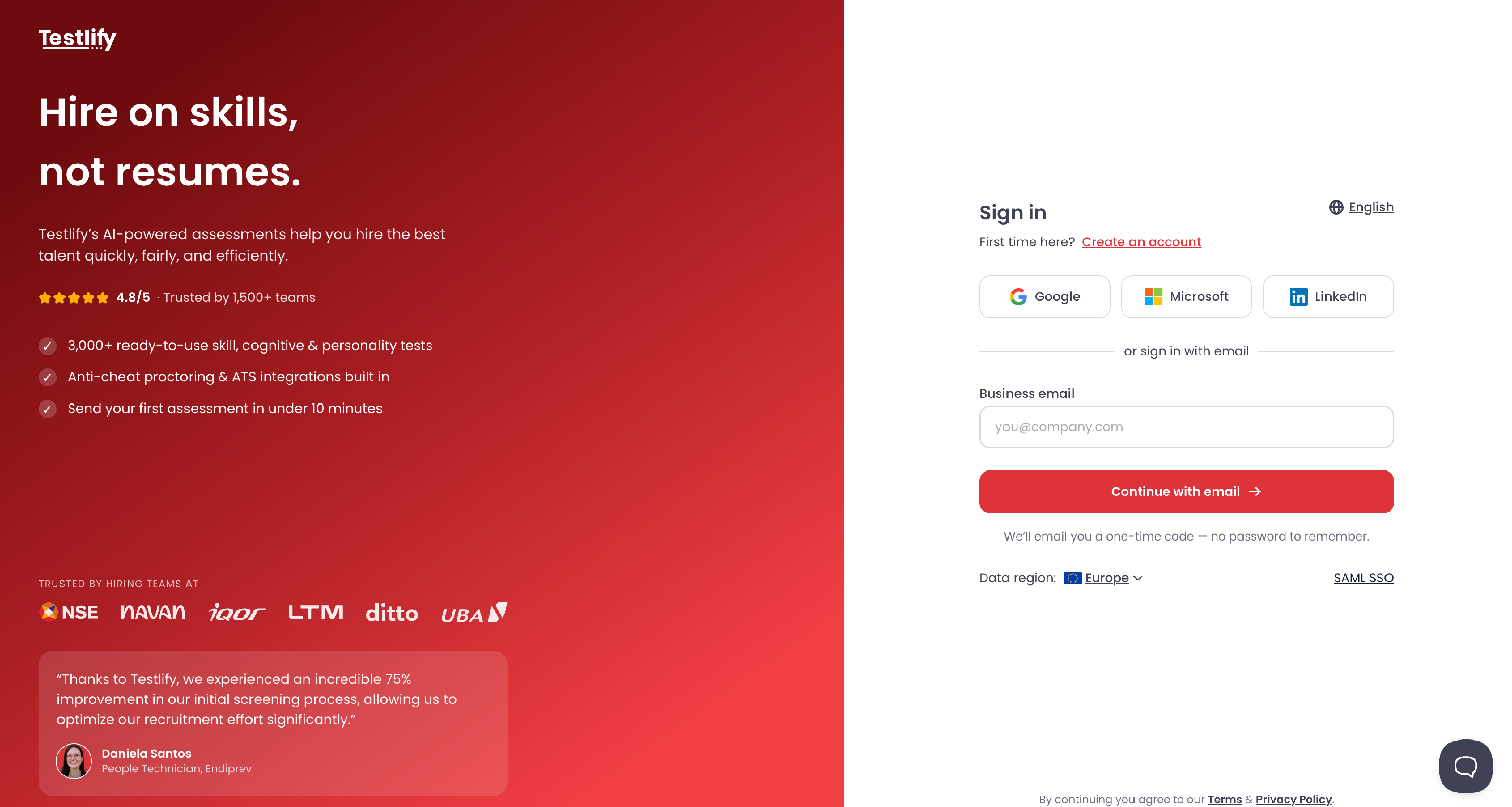
Log in to your workspace: Visit app.testlify.com, enter your registered email ID, and log in using the One-Time Password (OTP).
-
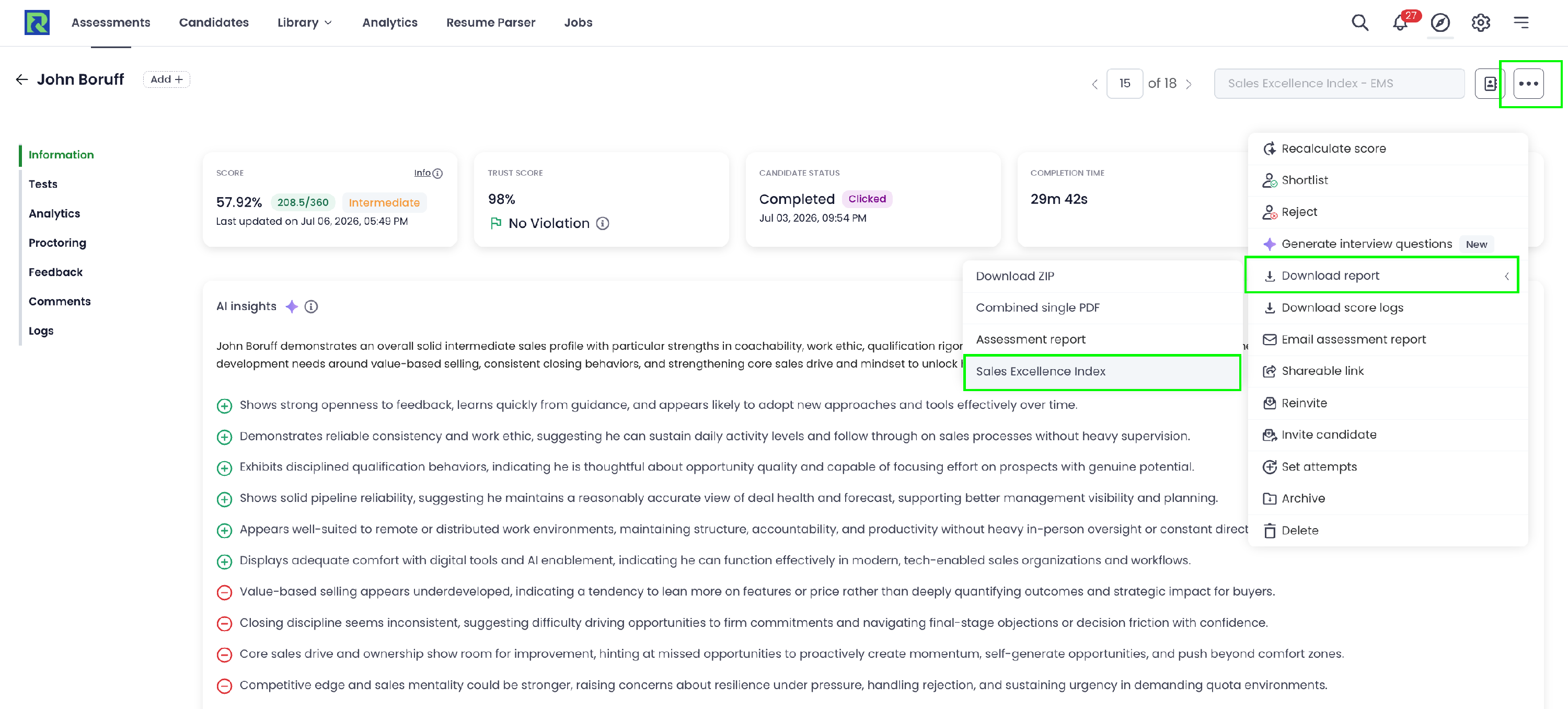
Edit an Assessment: Navigate to your dashboard and open the assessment you wish to edit (or create a new one).
-
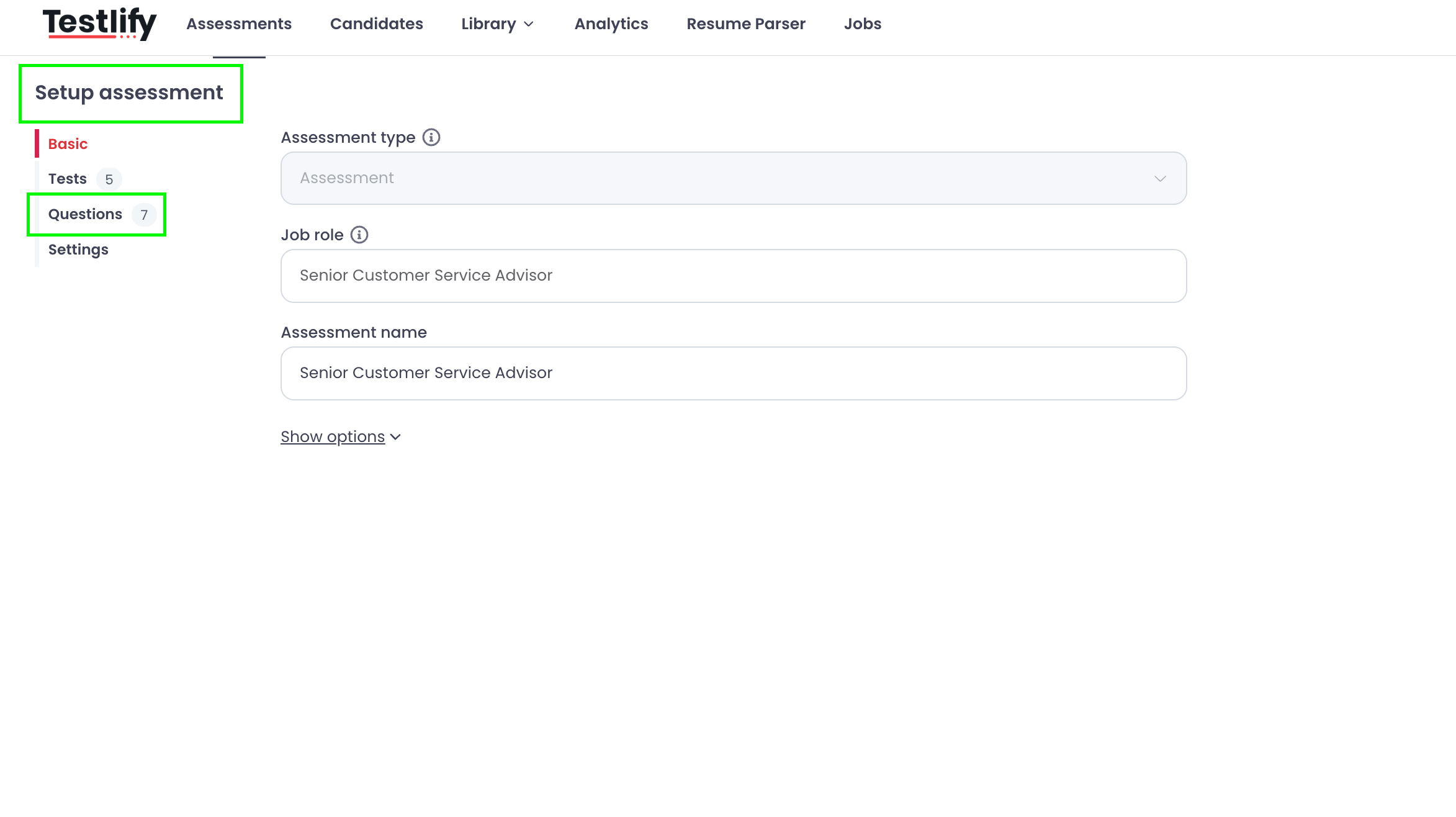
Navigate to Setup Assessment page: Click on the Questions tab located on the left side of your screen.
-
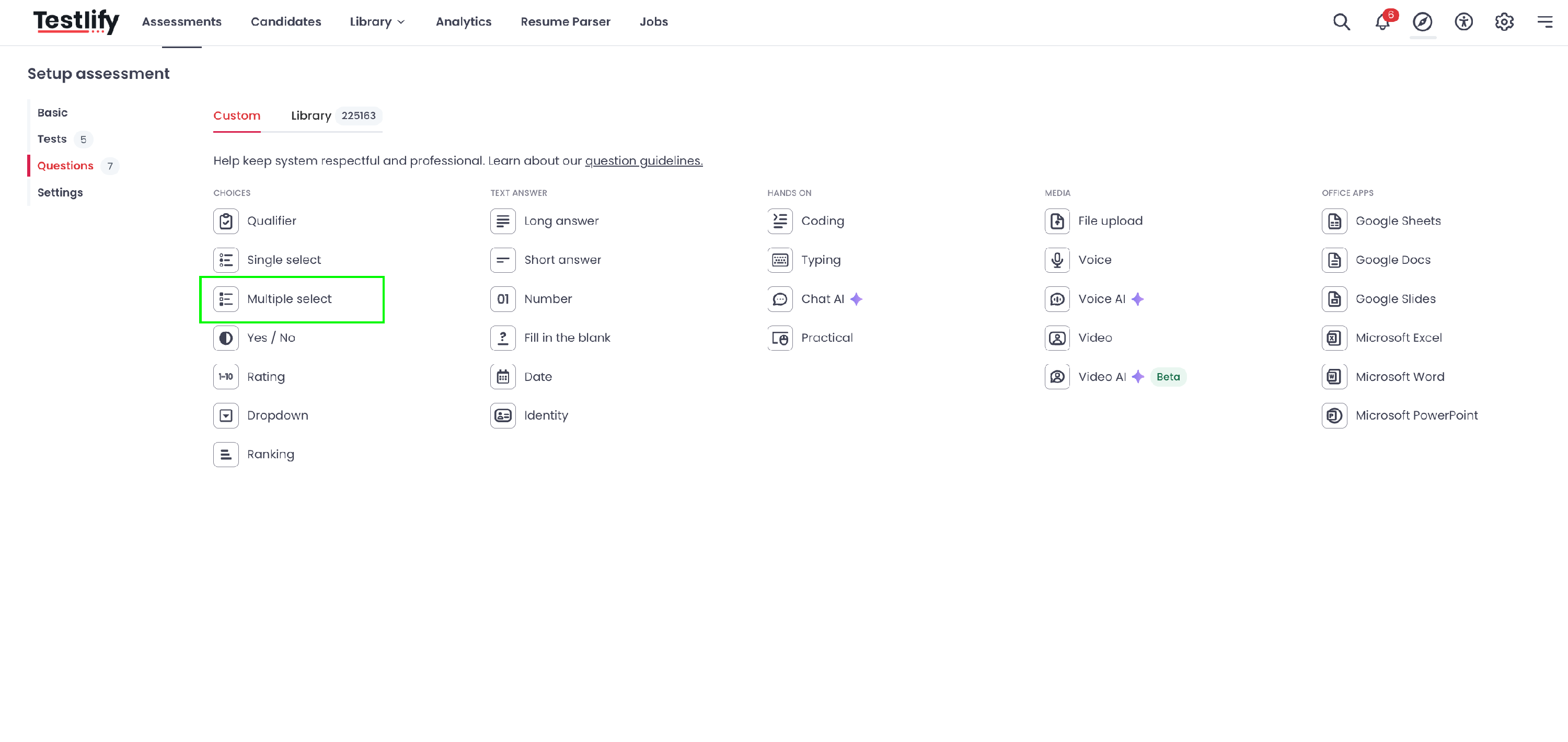
Add a Multi-Select Question:Select Multi-Select from the list of available question types.
-
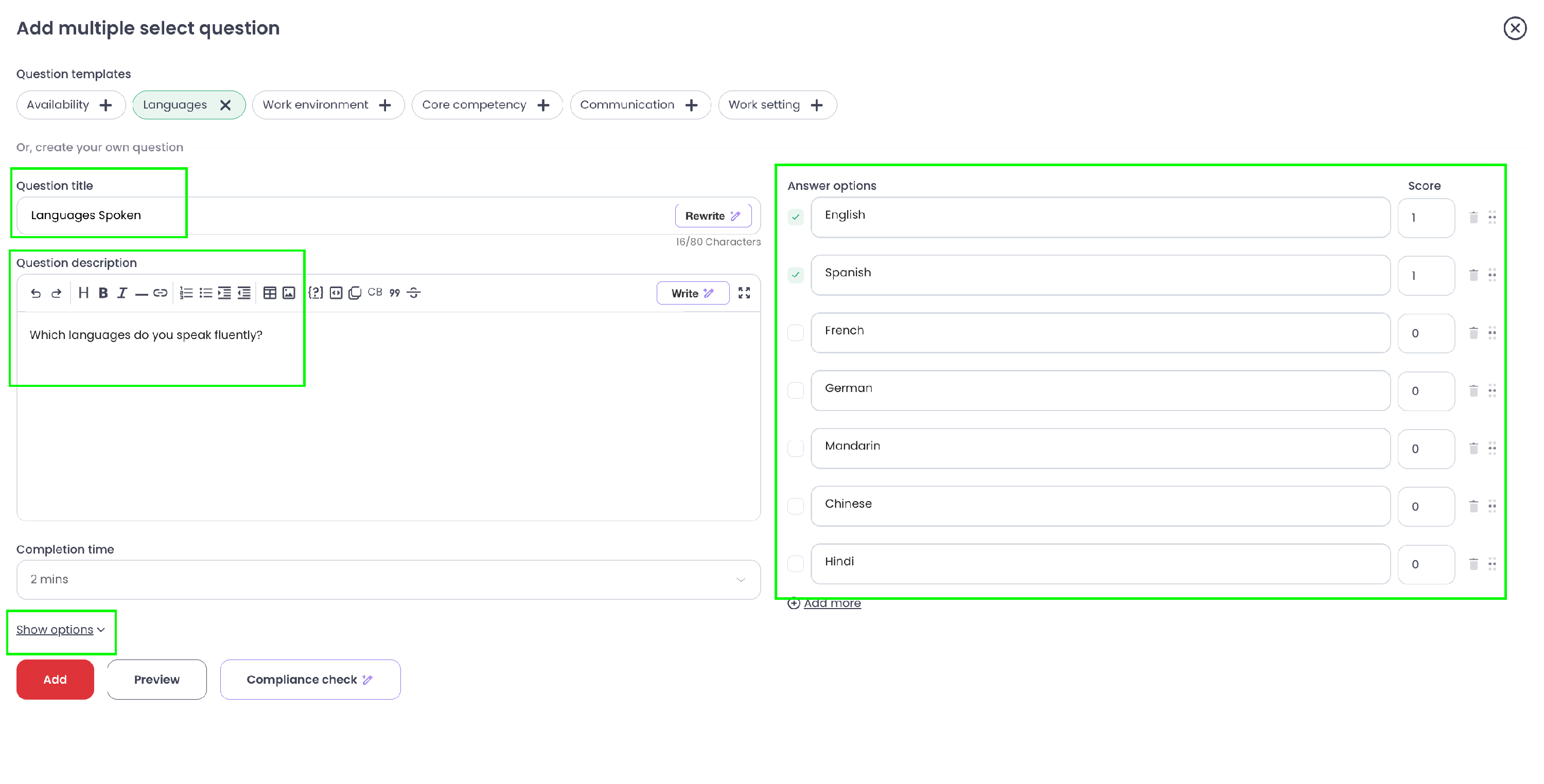
Enter Question Details: Add your question title, description, and list out your options. Make sure to mark the correct choices. Click on Show More Options at the bottom of the question editor.
- Configure Scoring:
- Select Scorable Question and then Question Level Scoring.
- Assign your preferred Score value below it.
-
Check the box for Full score on at least one correct answer.
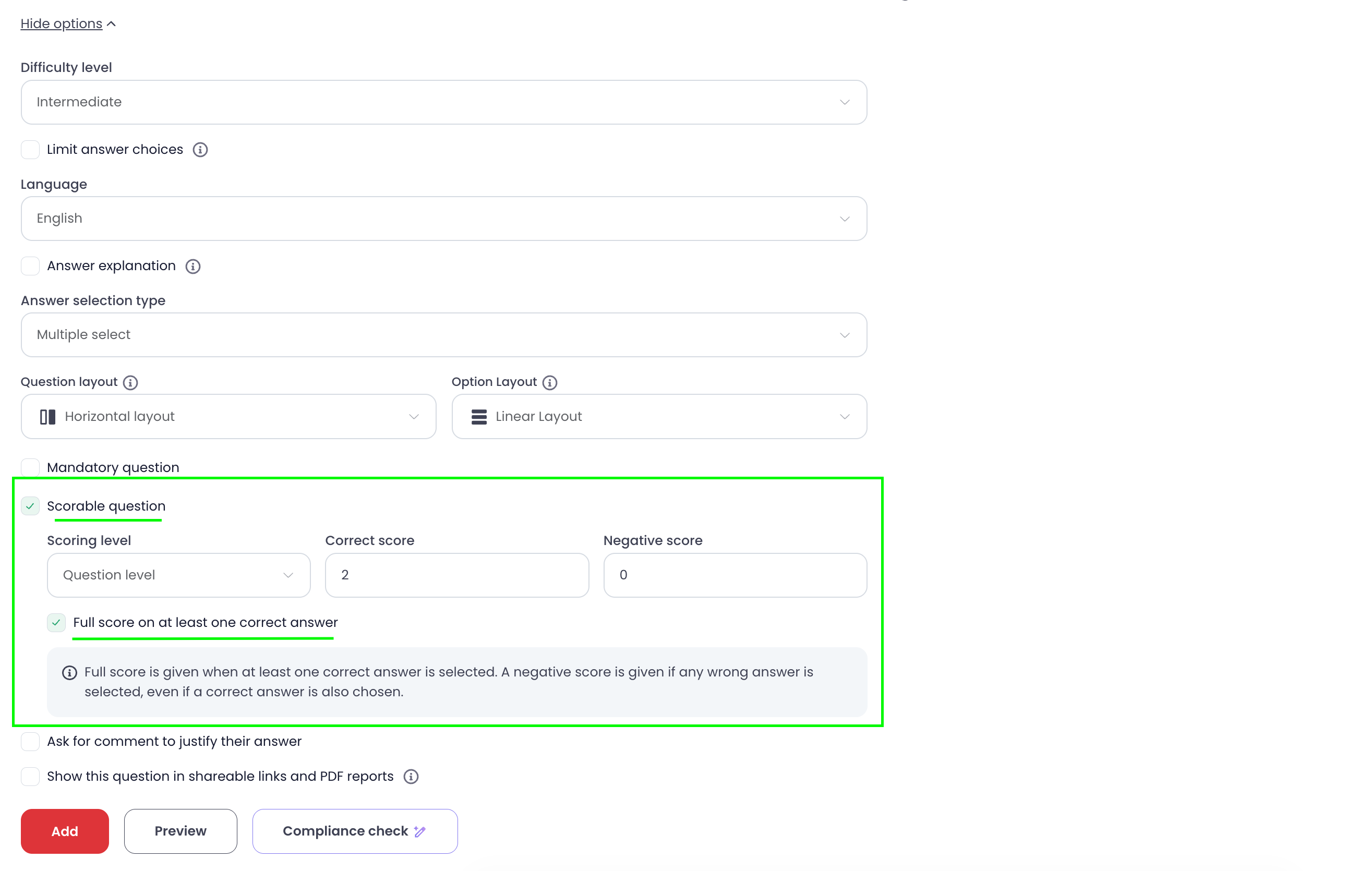
- Save Changes: Save your question. Now, if a candidate selects any single correct option (or multiple correct ones without wrong choices), they will receive full marks!

Important Rules & Edge Cases
How Negative Scoring Works:
- Full Score: Awarded as long as at least one correct option is selected and no wrong options are chosen.
- Negative Score: Applied if a candidate selects any incorrect option—even if they also selected a correct answer alongside it.
Frequently Asked Questions (FAQs)
1. What happens if a candidate selects both correct answers?
They will still receive full credit! As long as at least one correct answer is selected and no wrong answers are picked, the full score is awarded.
2. Will a candidate get points if they select one correct answer and one wrong answer?
No. If a candidate selects any wrong answer, the system will apply a negative score penalty, even if they chose a correct answer in the same attempt.
3. Can I use this scoring rule for Single Select questions?
This specific option is designed for Multi-Select questions where multiple options are marked as correct, but you only require the candidate to identify one to pass.
Conclusion
Setting up "either/or" scoring gives you greater flexibility when designing assessments that test flexible problem-solving skills. By enabling the Full score on at least one correct answer setting, you can easily reward partial mastery without penalizing candidates for not selecting every possible right answer.
Need Further Support?
If you have any questions or run into issues while setting up your questions, feel free to reach out to our team at support@testlify.com. We are always happy to help!