
Check for EEOC compliance of questions
This feature introduces a best-practice rewritten version of each question, designed to reduce compliance risk while maintaining the original skill being assessed. This guidance is assistive in nature and intended to support better question design, not enforce strict changes.
Steps:
- Log in to your Testlify account.
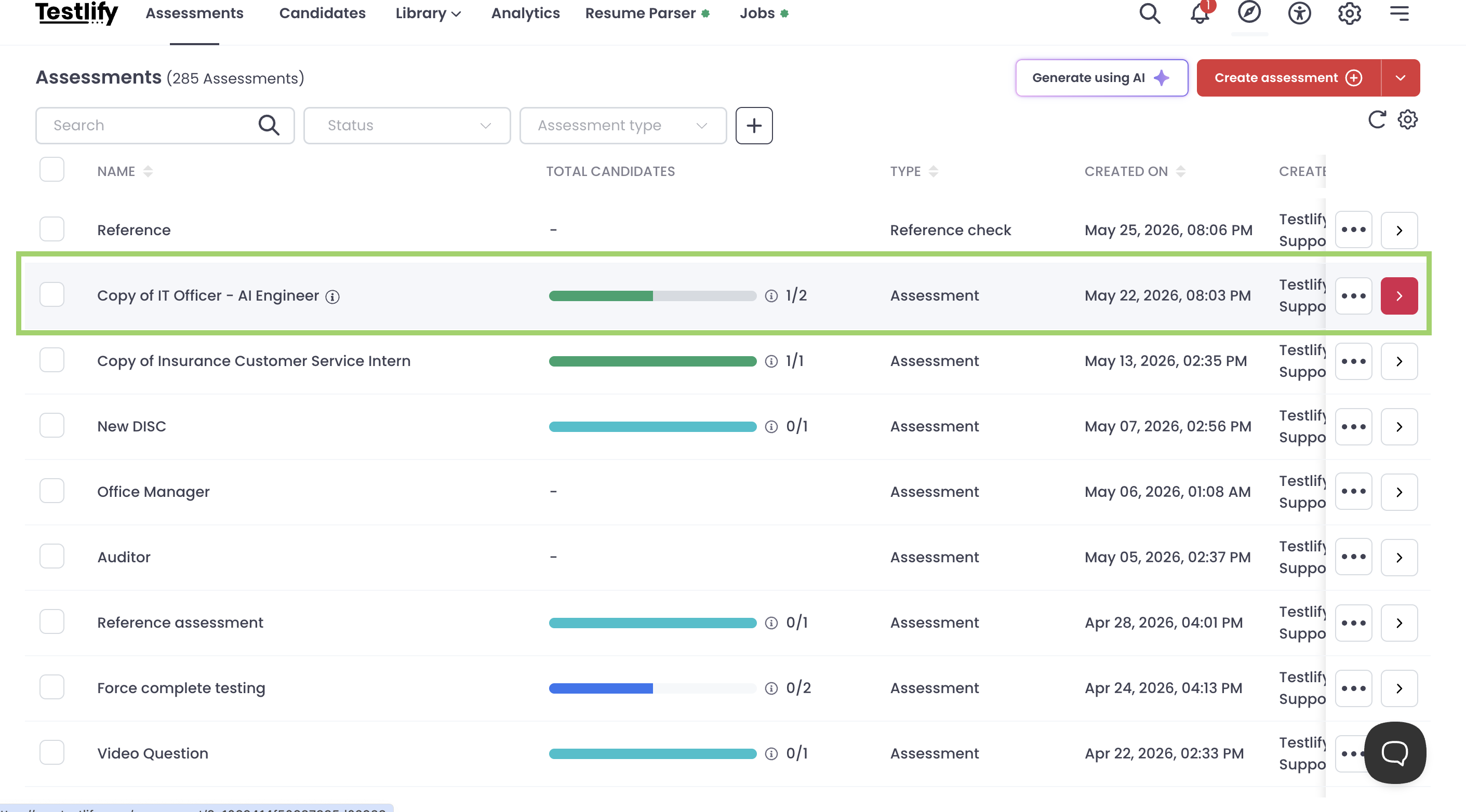
- Go to the Assessments page
- Select an assessment
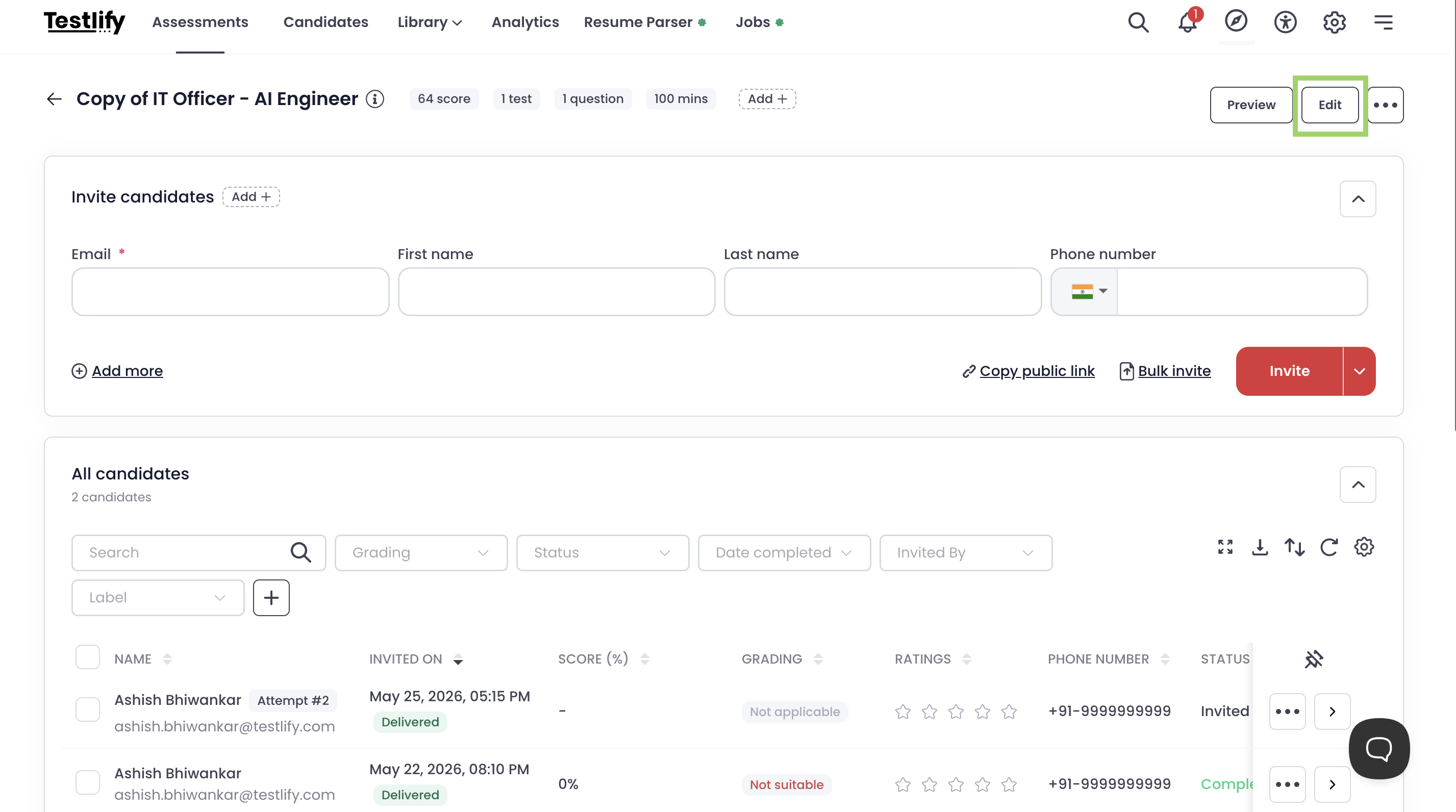
- Click on Edit
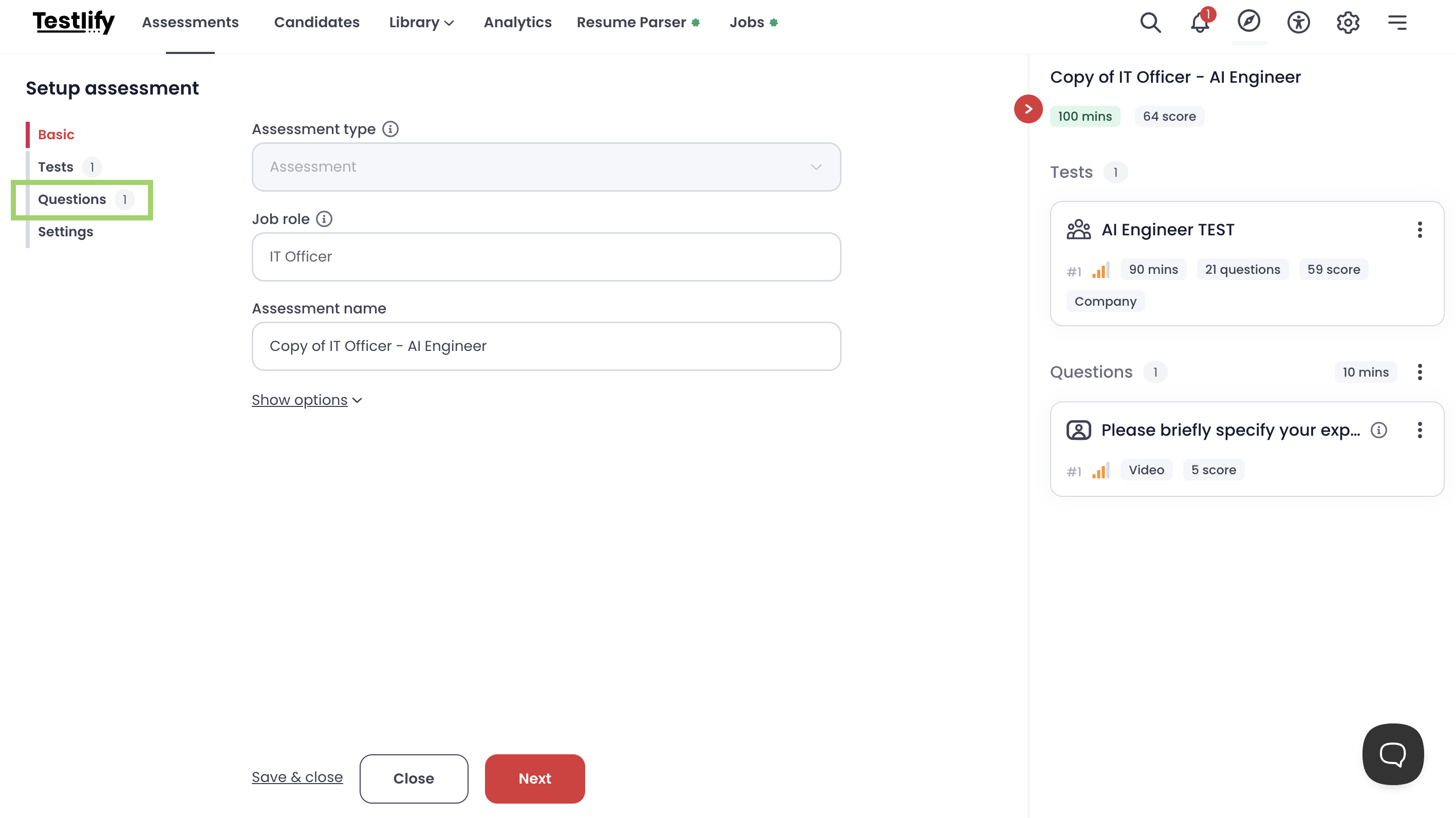
- In the Setup assessment go to Questions
-
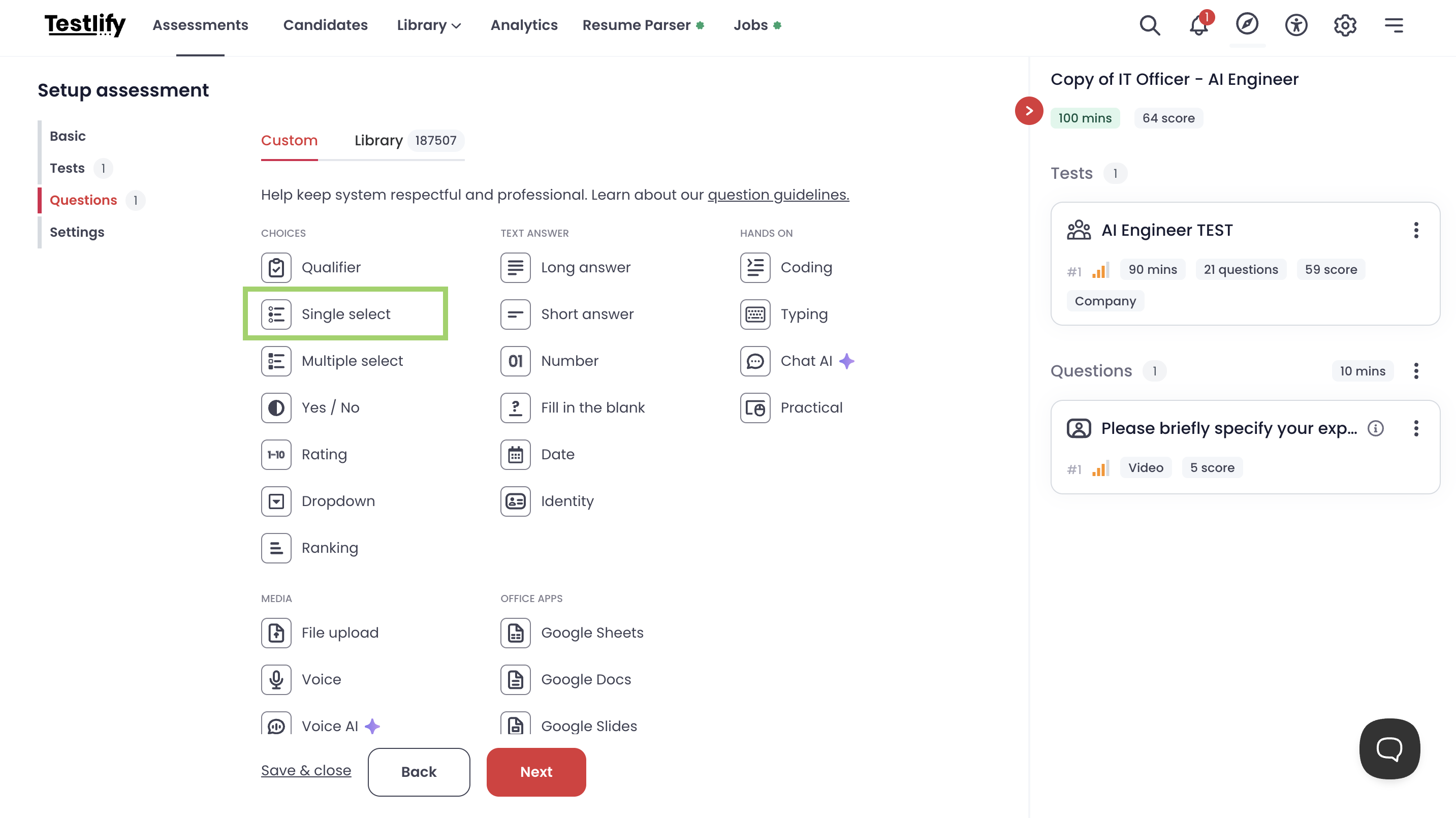
You can choose the type of question you want to add. For example, if you want to add a single select question, simply click on that option.
-
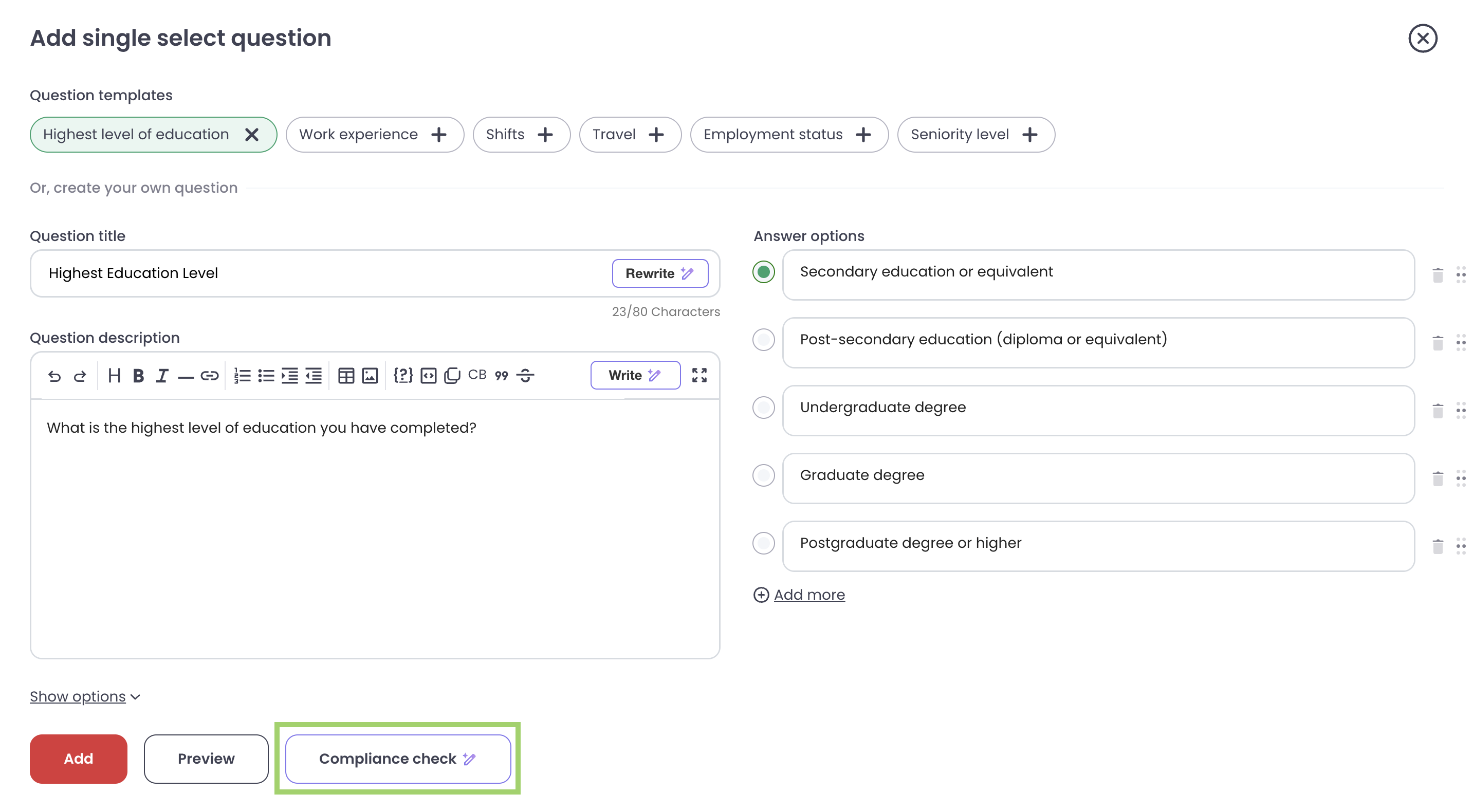
Enter a question title, question description, and answer options. Once completed, locate the Compliance Check button below and click on it.
 8. This will generate a compliance report for the question, highlighting areas for improvement to ensure it meets the required standards. The report will also provide a Pass or Fail status for the question title, description, and each answer option.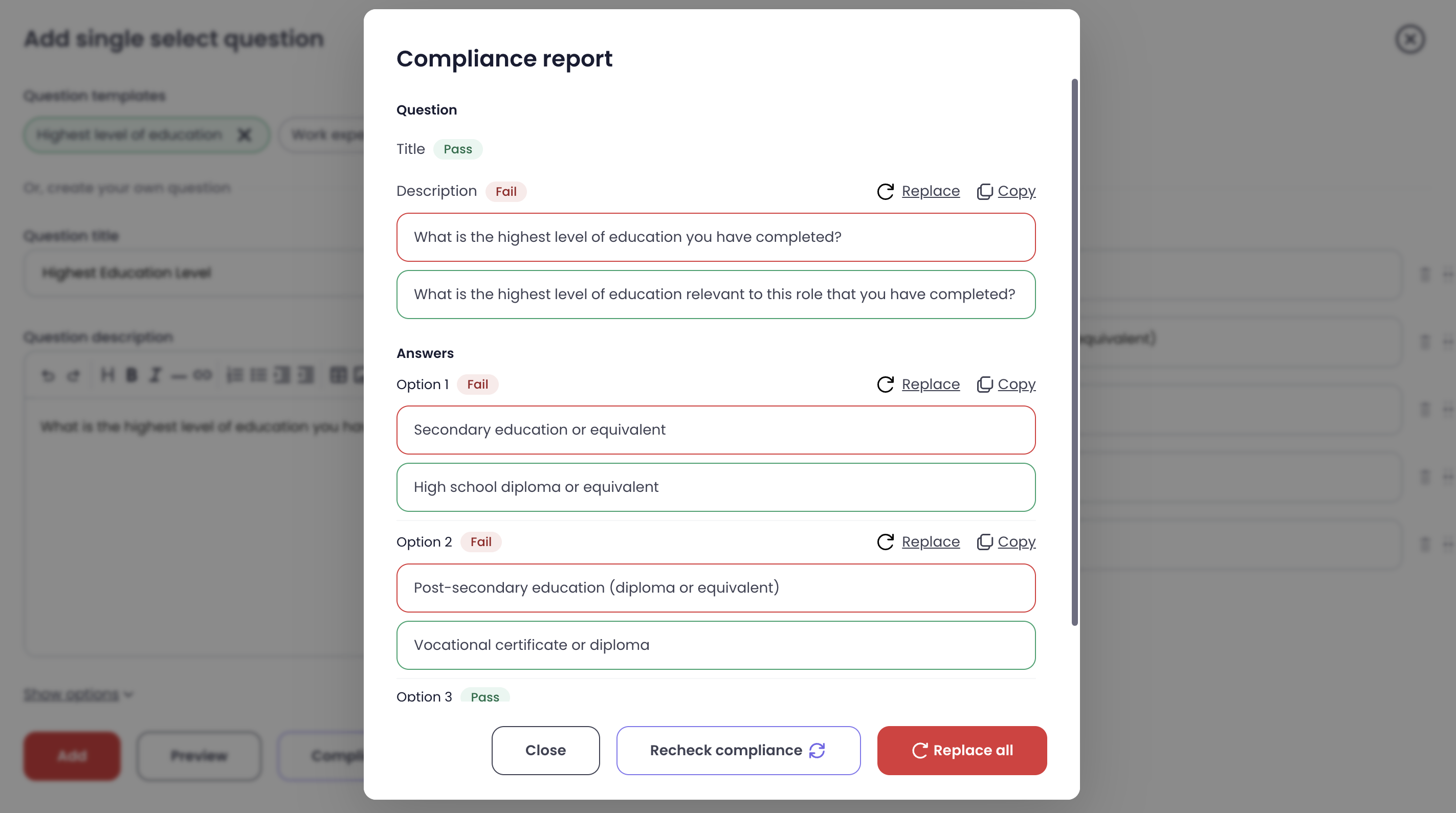
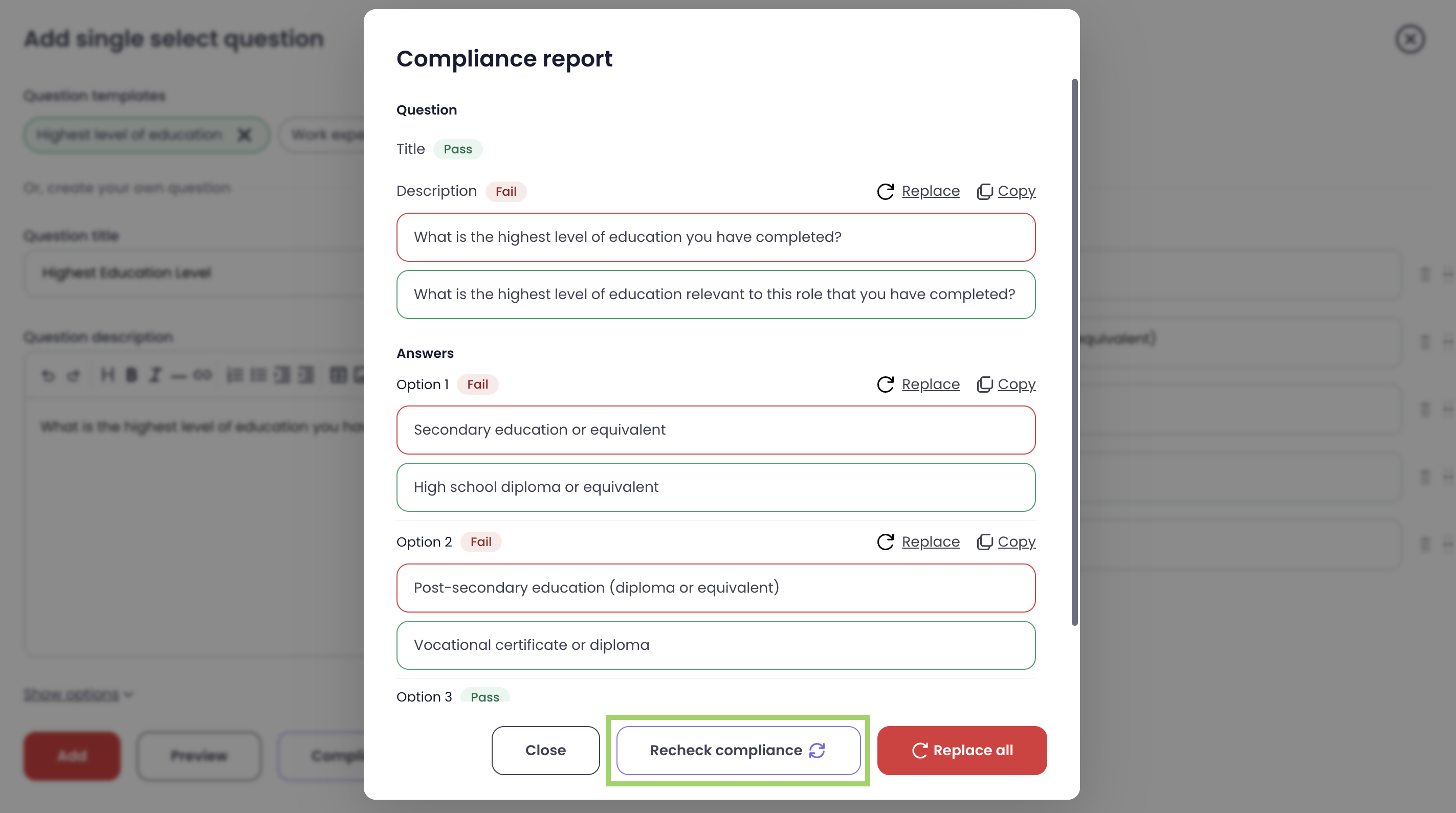
9. You can click on Recheck Compliance to run the compliance check again. The report will be updated with the latest results.
-
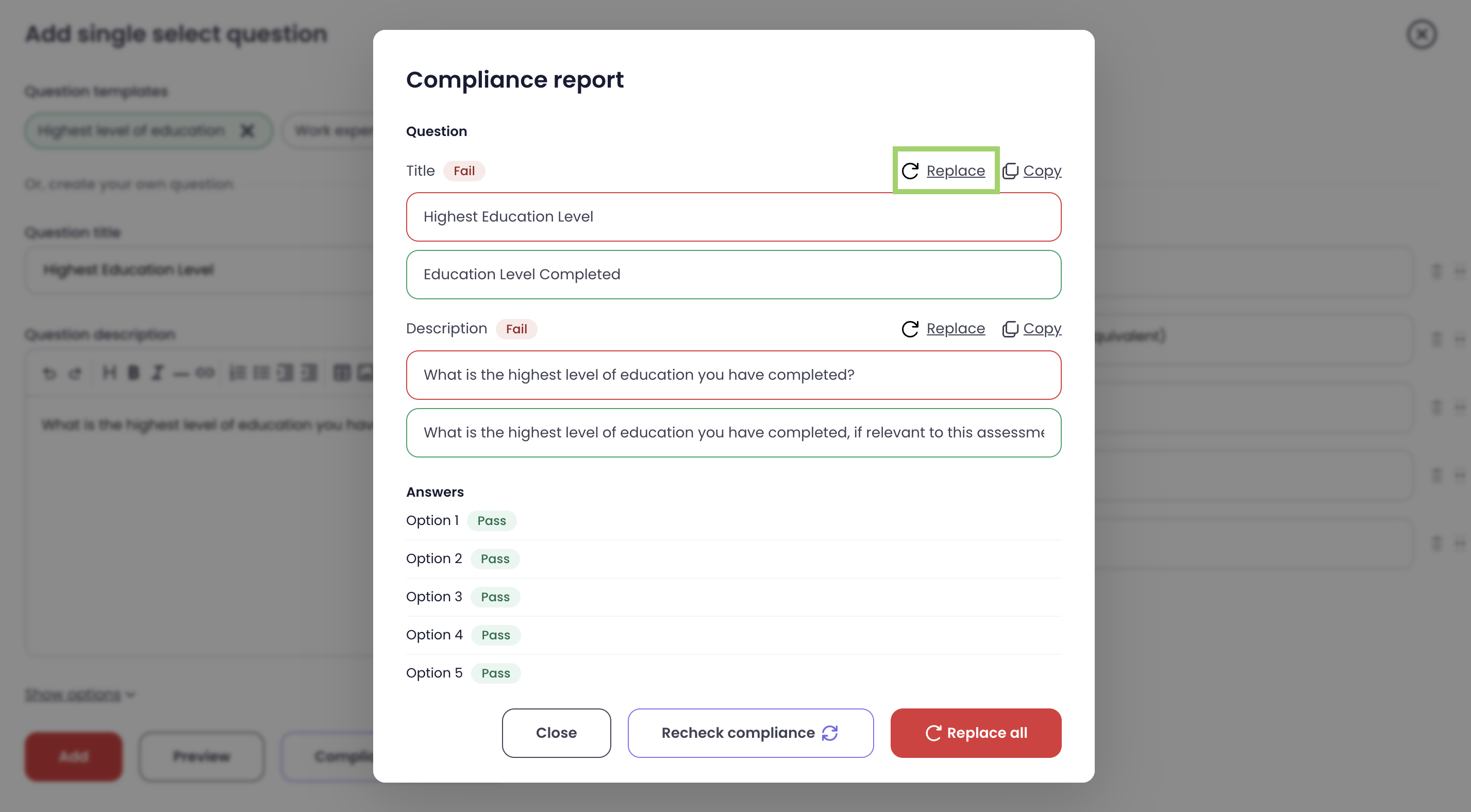
You can click on Replace to update individual statements.
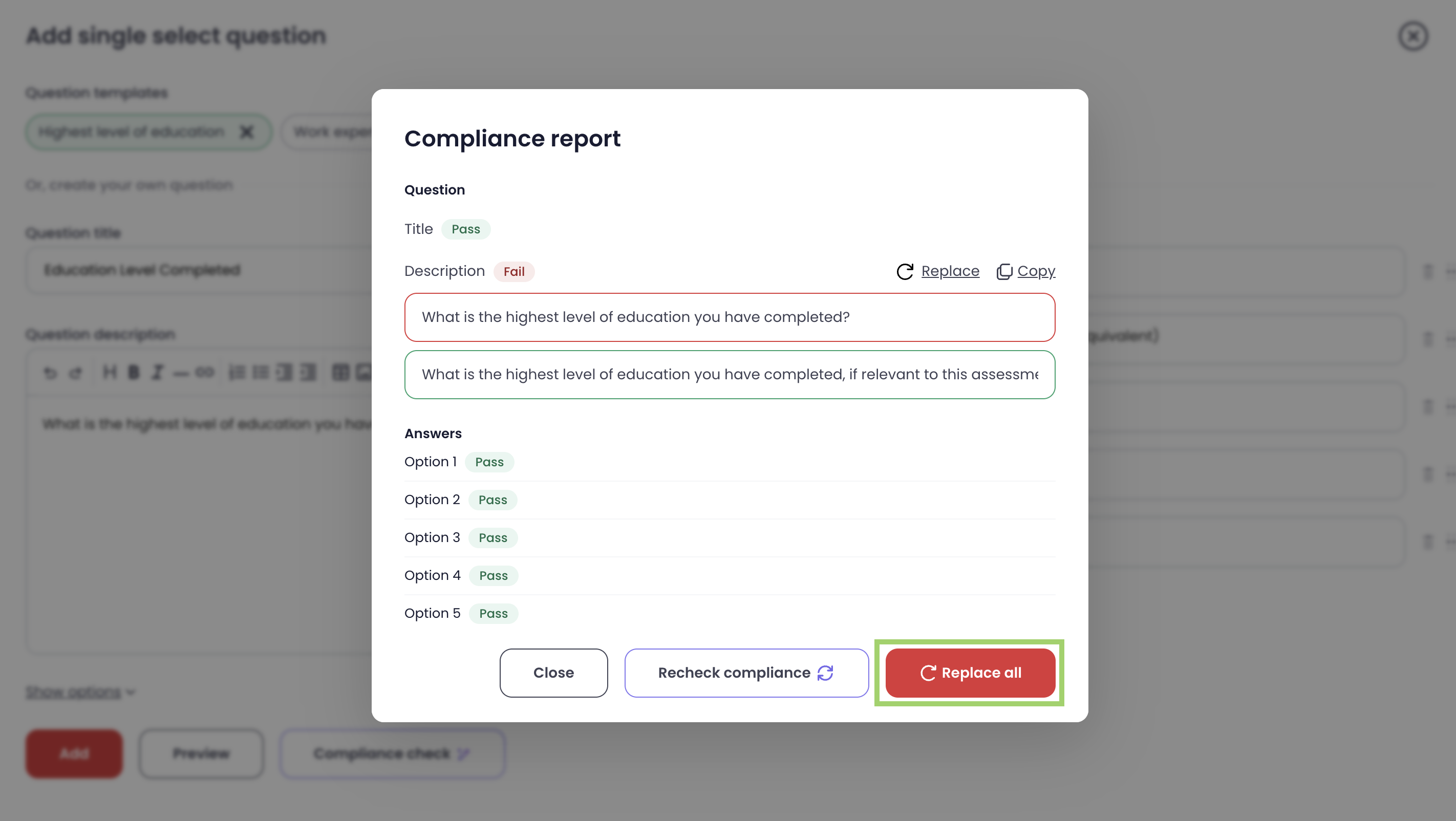
11. You can click on Replace All to apply updates to all the suggestions at once.
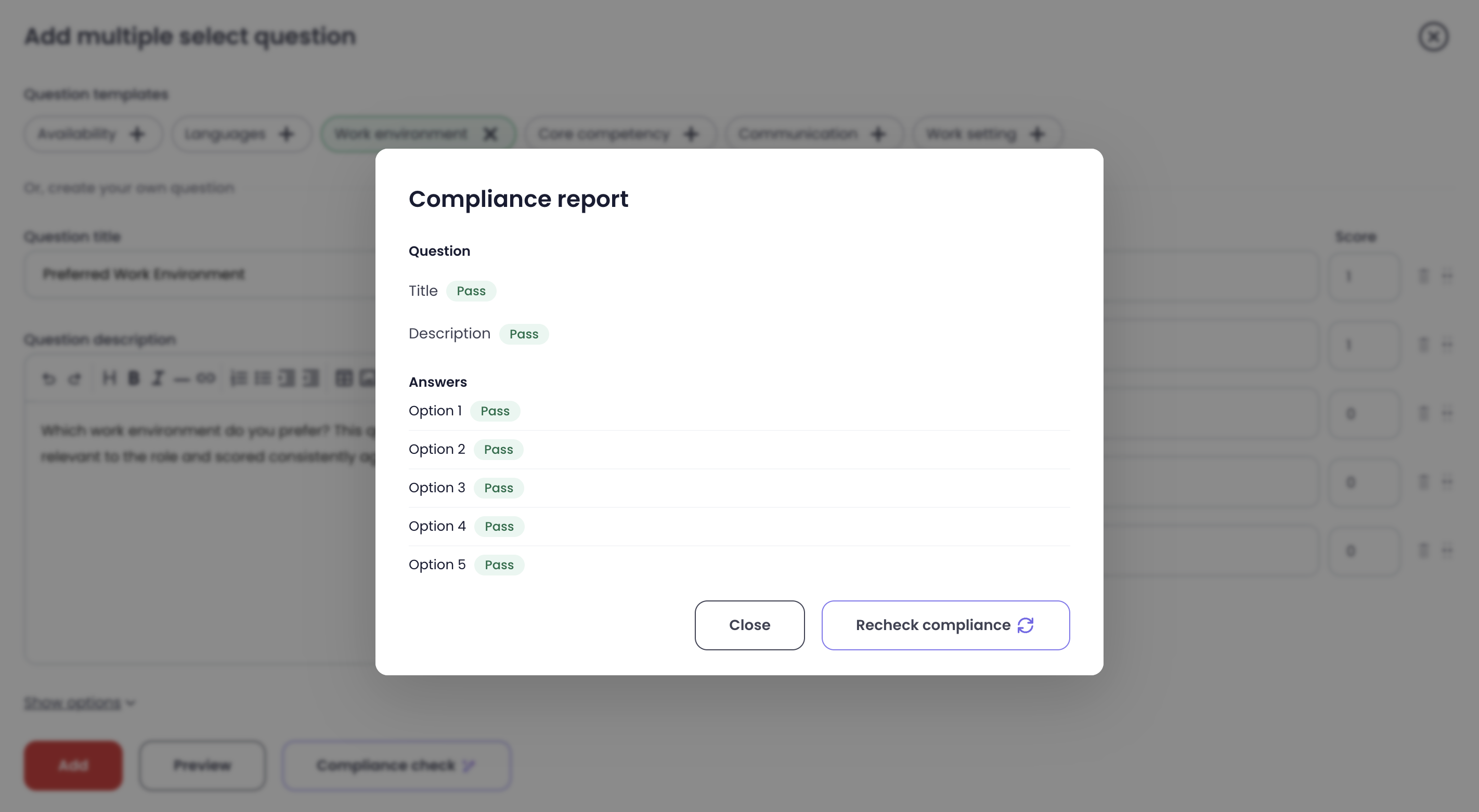
Once you have completed this process, the compliance report will be updated, and you will see a Pass status for all items.