
Add Users to Your Testlify Workspace
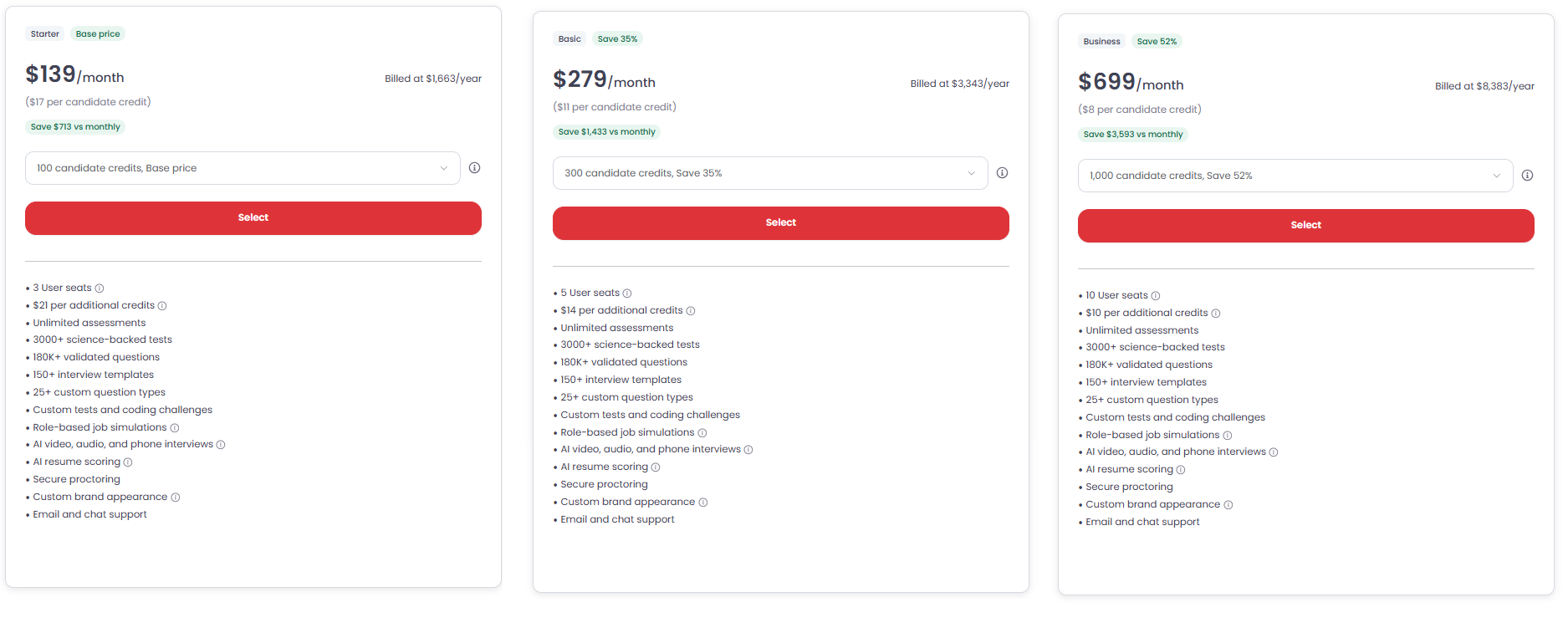
Each Testlify plan includes a set number of users. To grow your team, invite additional users directly from your workspace Settings.
Before you begin
Adding users is a paid add-on. Each additional user costs $15/month ($180/year). After you add a user, the Testlify support team will email you with billing details. Invoices are generated monthly.
How to add a user
- Log in to your Testlify workspace.
- Go to Settings.
- Open the Users section.
- Click Invite User, enter the new user's email address, and send the invitation.
Tip: The new user will receive an email invitation. If they don't see it within a few minutes, ask them to check their spam or junk folder.
Billing for additional users
- Monthly: $15 per additional user
- Yearly: $180 per additional user

Need help? Contact support.