
How to Keep Track of the Latest Features and Enhancements on Testlify
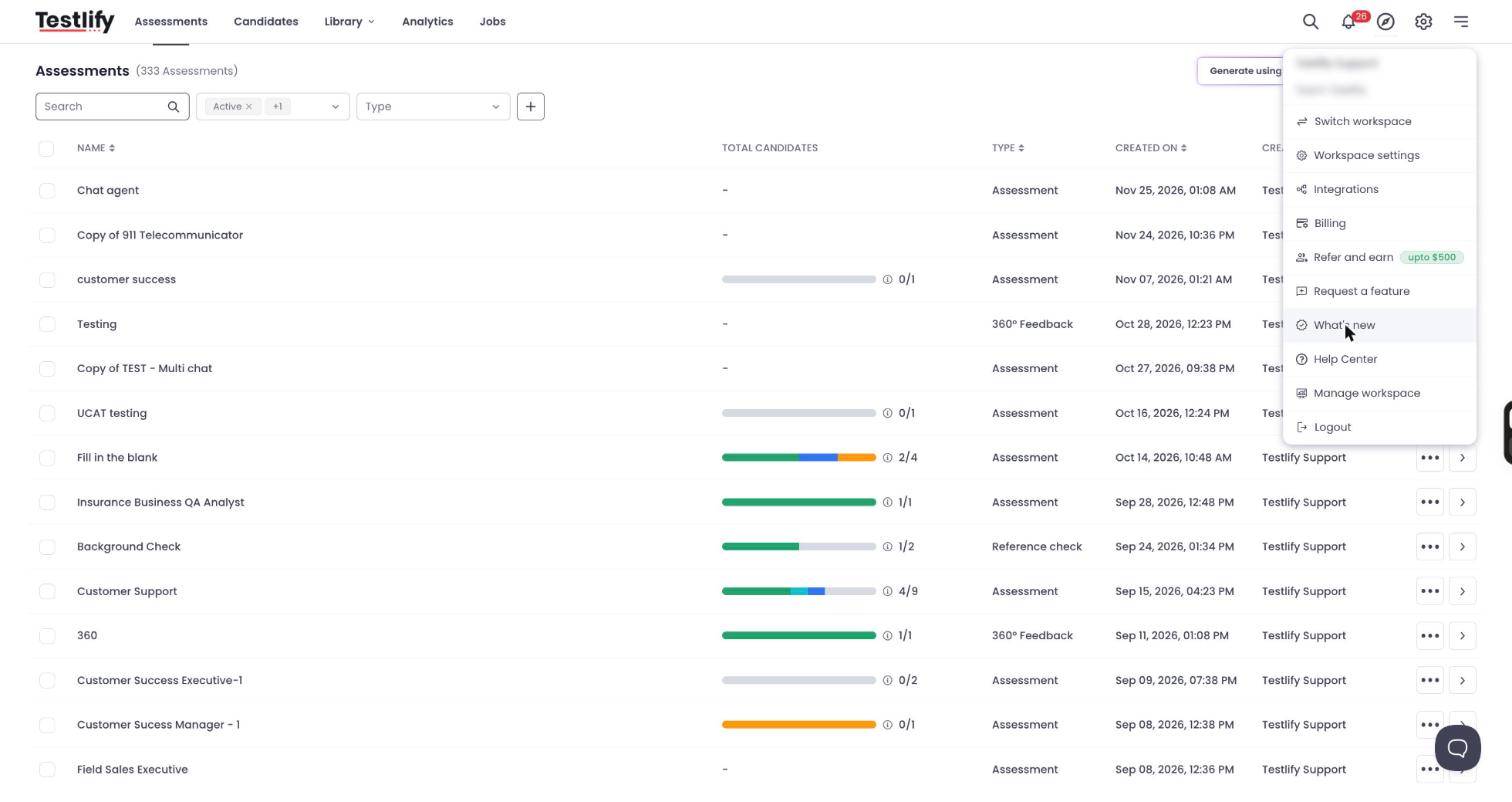
To see Testlify's latest features and enhancements, open the menu (☰) in the top-right corner of Testlify and click What's new. The release notes open in a new browser tab.
Open the What's new page
- Sign in at app.testlify.com.
- Click the menu icon (☰) in the top-right corner.
- Click What's new.
What you'll find there
The What's new page lists product updates grouped by month, newest first. Each update links to a Help Center article with the details.
Need help? Contact support.